
I'm on this never ending quest to narrow in on "my style", and boy is it rough! It's great that I have the ability to execute many different styles, but I really feel like in order to be a successful artist/designer I need to be more consistent. It's a slow process that really just involves making a ton of work, but here are the things that I DO know about my style: 1. I can't stay away from color (even when I try) and 2. I don't feel like a piece is finished until it has a lot of texture. The more I look into the processes of people that I admire, the more I realize that there are so many different ways to do everything! Adding texture is a great example of that.
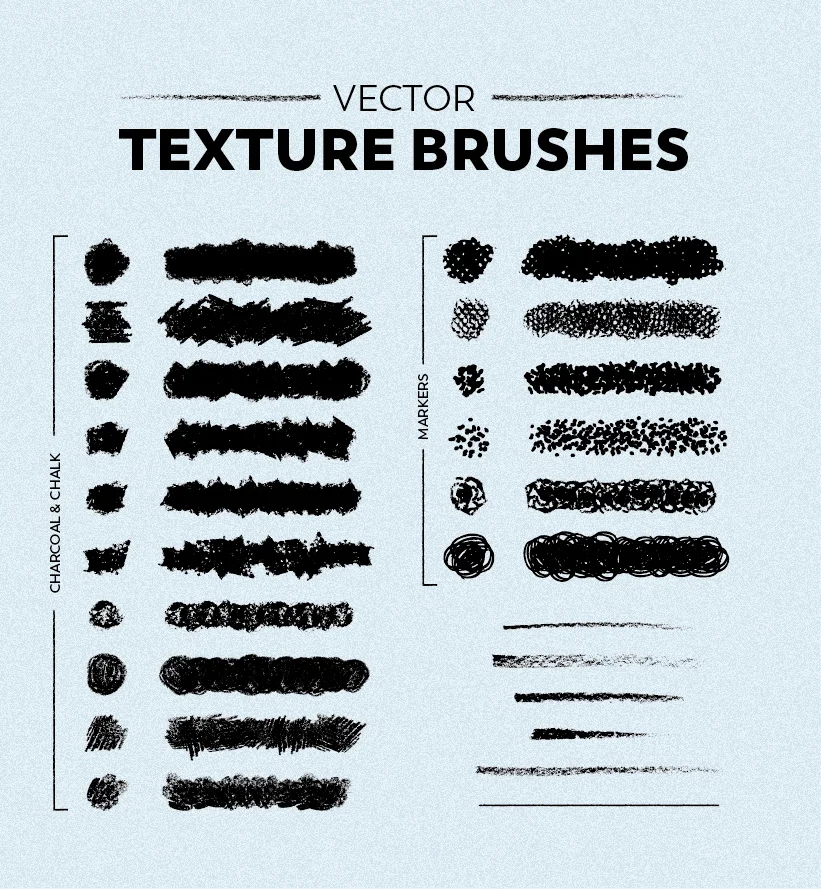
I have been using Skillshare for a couple of years now to learn more about process and really hone in on what works best for me. This week I have been watching every video I can on adding texture in Illustrator. In the past, I have added most of my textures in Photoshop, but the bulk of my work in done in Illustrator and I would love to keep it all in one program. I followed along with this Skillshare class from Jamie Barlett and learned so much! I would highly recommend it. The image above shows all of the brushes that I created using some supplies from the dollar store and other things around my house.
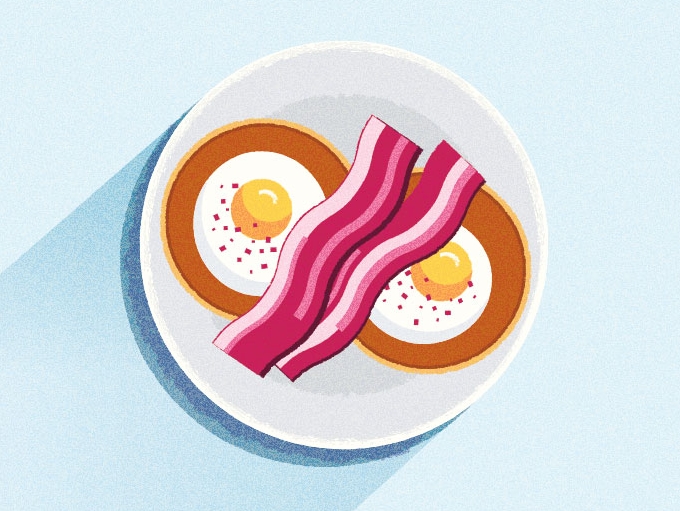
I made this piece today of my favorite meal from my recent trip to Paris (no, it's not French at all, the owners are Australian). I love what the textures that I created did for this piece and how much they sped up and simplified my process. I won't go into step-by-step instructions here, because it's all in her class, but adding textured strokes around my shapes is going to be a game changer for me!
Do we think that now is the time to ask Skillshare to sponsor me? It's just so easy!